Release notes · FinishLater
FinishLater: Save Unfinished Pages, Close the Tab, Come Back on Time
FinishLater is a Chrome extension that turns "I'll read it later" tabs into real reminders. Save a page with a note, pick a time, close the tab, and return with one click. No account, no tracking.
Published · Updated · 2 min read
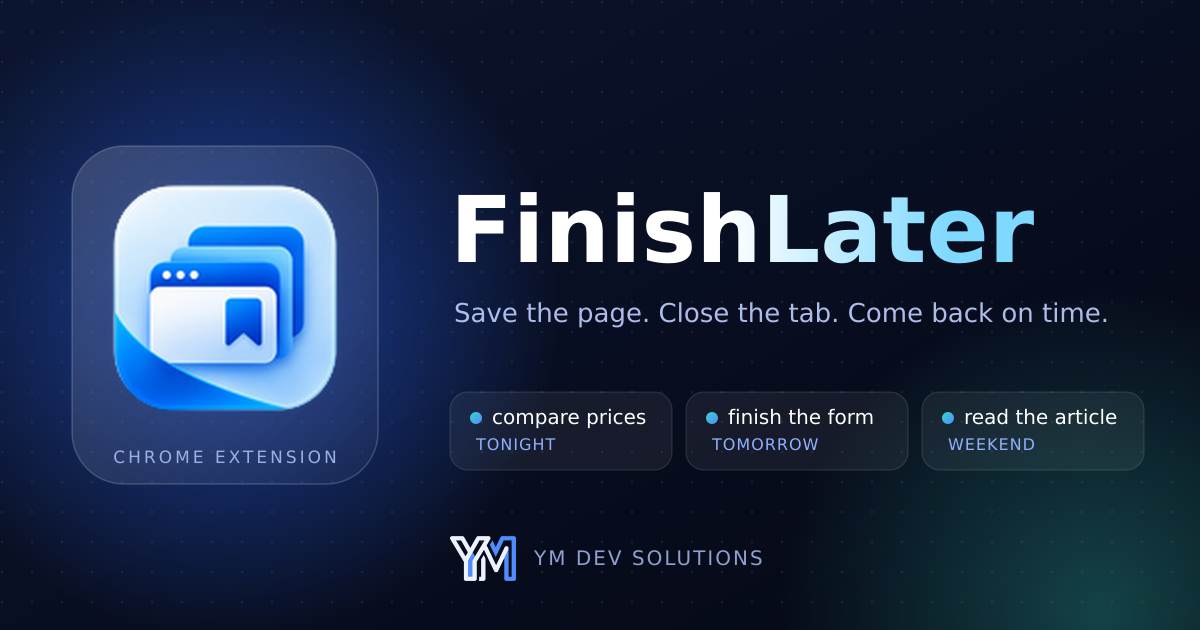
Most of us keep tabs open for one reason: we plan to come back. A week later there are forty of them and none are getting finished. FinishLater fixes that by giving every unfinished page a note and a time to return.
How it works
Click the icon or press Alt+Shift+S on any page. Write what is left to do, for example "compare prices" or "finish the form", then choose when to come back.
- Tonight, Tomorrow, Weekend, a custom time, or Someday with no reminder
- Repeat daily, on weekdays, weekly or monthly
- Choose "Save & close tab" or "Save only"
One side panel for everything you left open
The side panel groups your pages as Overdue, Up next, Someday, Done and Archive, with a strip that shows the week ahead. Search, sort, mark done, snooze, edit or archive. Done, snooze, archive and delete can be undone for a few seconds, and opening a page never marks it done.
Reminders that stay discreet
When a page is due, Chrome shows a notification. Page titles are hidden by default and you can show them in Settings. You can set exact times for Tonight, Tomorrow and Weekend, and use 12 or 24 hour format.
Private by design
- No account, analytics, ads or FinishLater servers
- It reads a page's address and title only when you use the icon or shortcut on that page
- It never reads page content, form fields, cookies or browsing history
- Your data stays in your Chrome profile, and you can export a backup
Optional sync is off by default. When you turn it on, it uses Chrome's own sync to share pages and settings between your signed-in Chrome computers, never FinishLater servers.
Good to know
- Reminders need Chrome to be running, and timing is best effort
- Saved pages keep the address, title, note and reminder, but not form input, carts, logins, scroll position or video position
- Incognito is not supported
- Uninstalling deletes local data, so export first
Get FinishLater
FinishLater 0.2.0 is on the Chrome Web Store in English, Simplified Chinese, Hindi, Spanish, French, Arabic, Brazilian Portuguese, Russian, German and Hebrew. Save your first page, close the tab, and let the reminder do the remembering.
Get the news
New releases and updates, a few times a year. No spam.